 insomnius
Games by Insomnius
 Muhammad Arief Rahman
-
October 19, 2026
3 min read
react
typescript
bun
games
algorithms
puzzle-generation
Overview
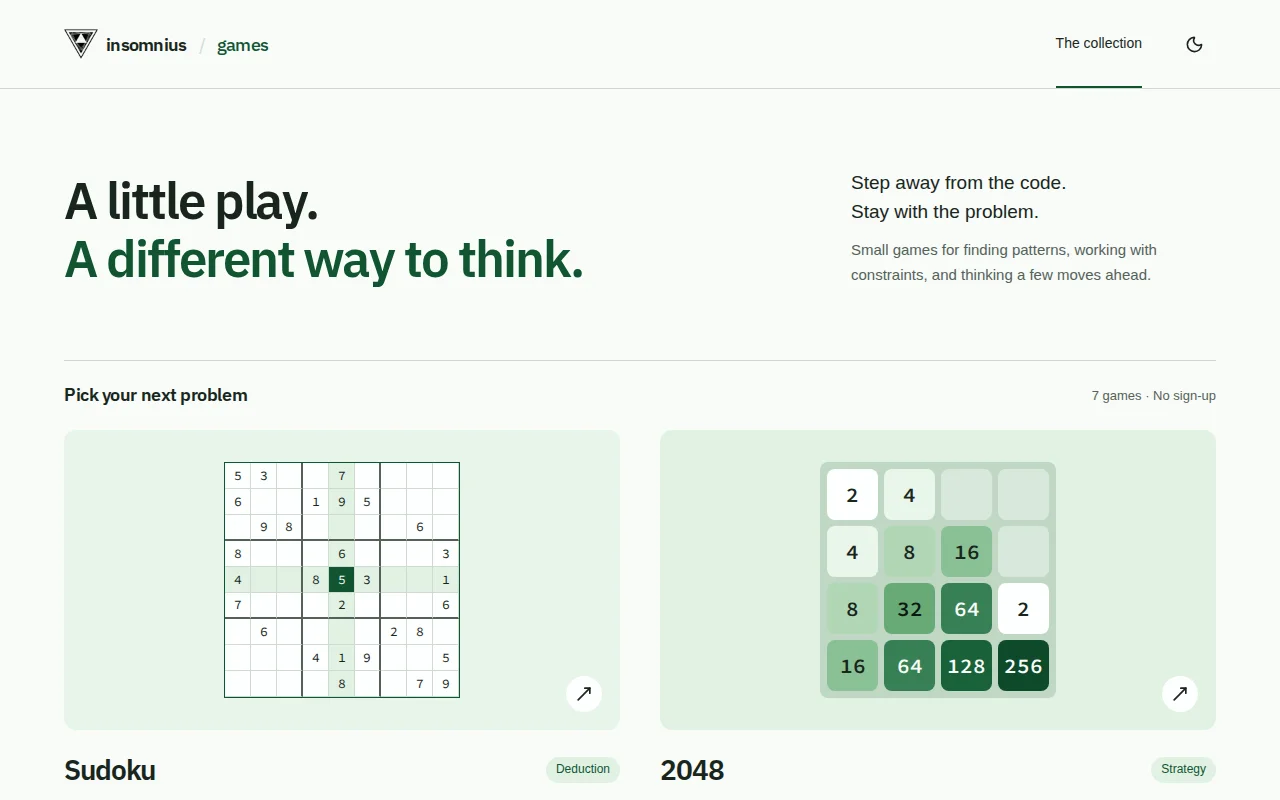
Games by Insomnius is a browser-based collection of seven logic and programming games: Sudoku, 2048, Sokoban, Nonograms, Mastermind, Tower of Hanoi, and Instruction Lab.
The collection offers different ways to work with constraints, state changes, deduction, and planning. There is no account or backend requirement. Progress is saved locally on the player's device.
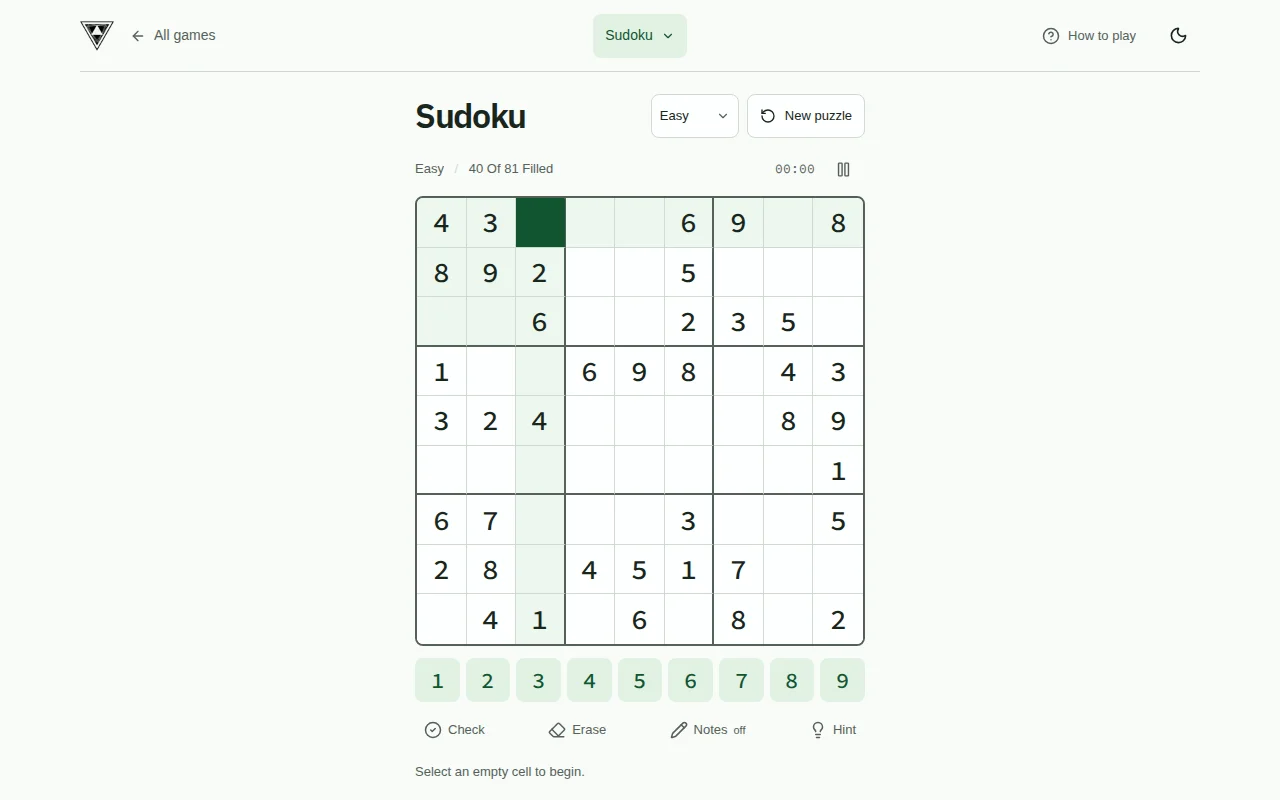
Screenshots
The games
- Sudoku: unique-solution puzzles with notes, hints, checks, and a timer.
- 2048: slide and merge matching tiles, with animations that follow each tile's movement.
- Sokoban: push crates onto goals in generated rooms. Planning filters test more than travel distance.
- Nonograms: use row and column clues to reveal generated patterns verified by deduction.
- Mastermind: infer a hidden four-number code from exact and misplaced-match feedback.
- Tower of Hanoi: solve mixed starting arrangements on a marked goal peg, with an exact starting minimum.
- Instruction Lab: write and step through a small instruction-based program to satisfy a generated contract.
Generating puzzles
Sokoban, Nonograms, Hanoi, and Instruction Lab generate new challenges rather than presenting a fixed campaign. Generation runs in browser workers so the current puzzle stays usable while the next is checked.
The validation depends on the game: replayable Sokoban solutions and bounded planning searches, complete Nonogram deductions, exact Hanoi shortest paths, and independent mathematical outputs for Instruction Lab. Seeded simulations test solvability, legal moves, variation, and saved-state recovery. These checks establish specific properties; they do not claim to predict how difficult every player will find a puzzle.
Playing and learning
Play screens put the board or program first. Keyboard and visible touch controls provide alternative ways to interact, while state feedback uses text and symbols as well as color. Light and dark themes follow the parent site's design language, and reduced-motion preferences remove unnecessary movement.
Each game's How to play guide includes written rules and a 36-second video covering the objective, controls, and a worked example. The guides show an actual video snapshot, with captions, fullscreen playback, and a readable transcript. Videos are hosted with the application and do not autoplay.
Implementation
The application uses React, TypeScript, Vite, and Bun. Versioned localStorage saves preserve progress, and invalid saves recover to a fresh game. A Docker image serves the static build through nginx.
My work covers the collection interface, game engines, puzzle generators, local persistence, interaction design, automated checks, tutorial videos, and deployment.